Installation
- Download the latest AppInspect Passed version. For the latest changes and development efforts see github page
- Install the application on Splunk Enterprise. DA-ESS-MitreContent should be installed on the Search Head or Search Head Cluster where Enterprise Security Application resides. For details on add-on installation please refer to Splunk Documentation
Initial Setup
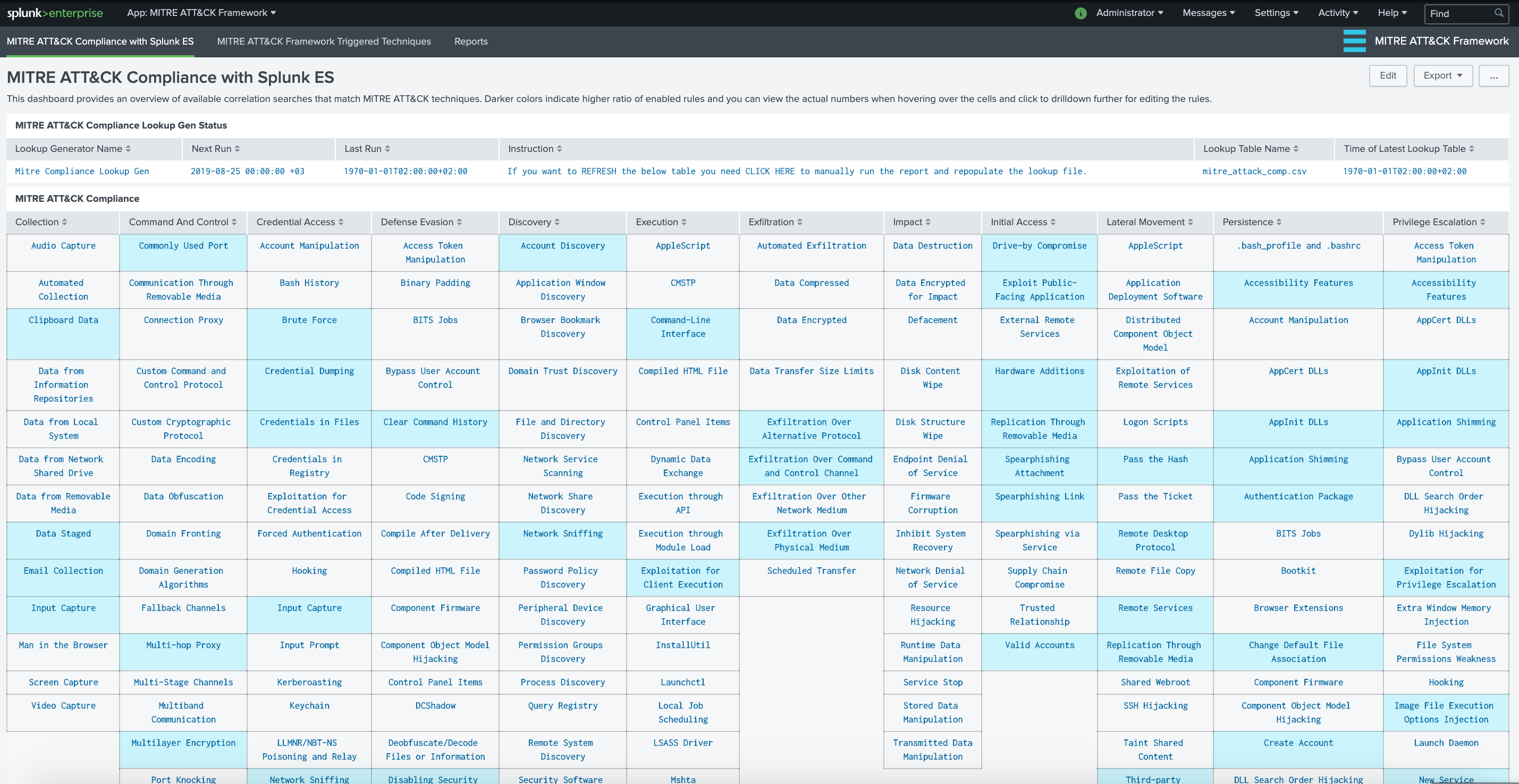
Upon installation of the add-on, you may need to initially run a search to populate the lookup table. The report simply checks for available (and enabled) Correlation Searches that are tagged for MITRE ATT&CK techniques within the Analytic Stories.
- First, please check the table at the top named "MITRE ATT&CK Compliance Lookup Gen Status" for lookup table status.
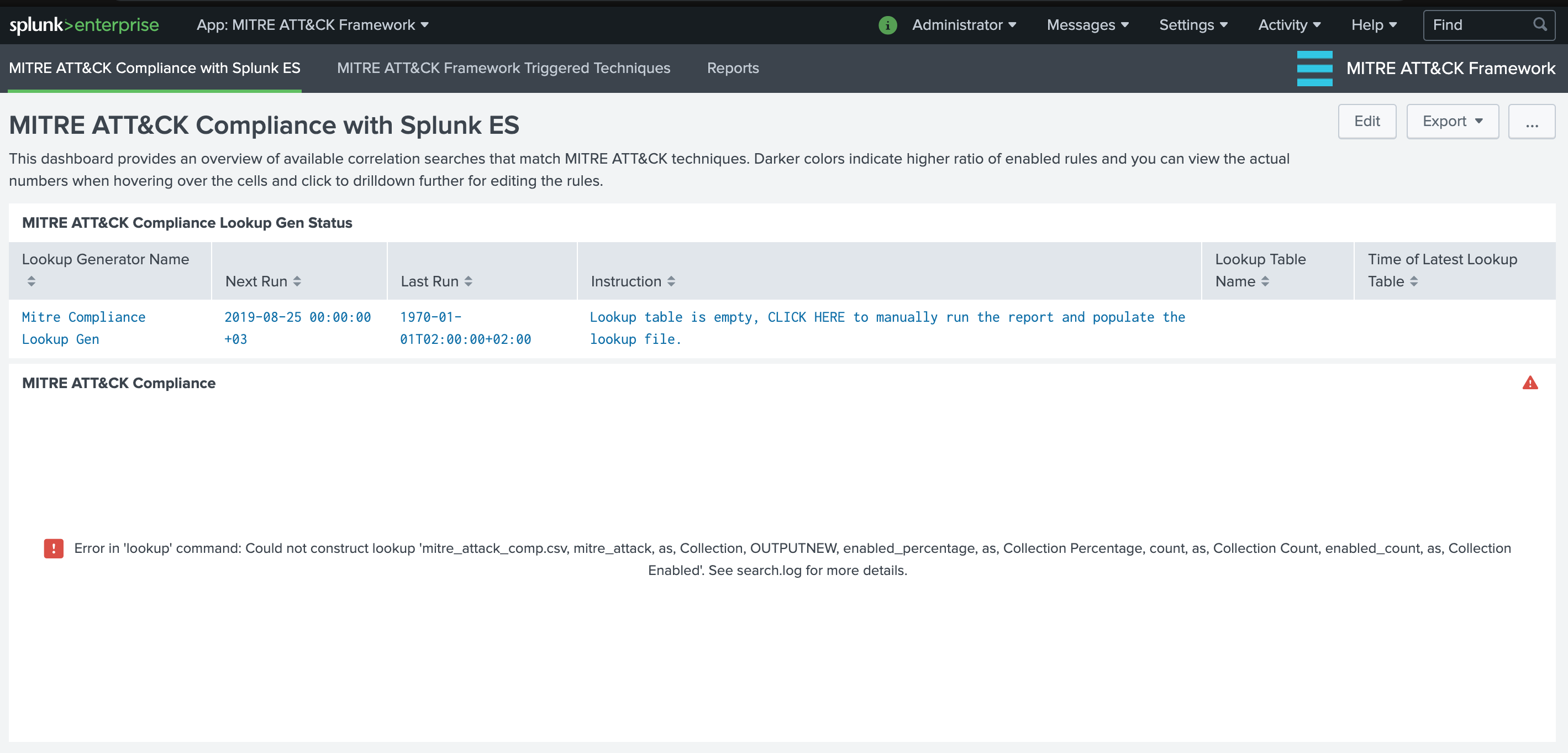
- Click on the row if the lookup table appears to be empty. This will open a new windows with the "Mitre Compliance Lookup Gen" report. By default this scheduled report runs daily, at 0:00. Its time range is last 24 hours. Click Open in Search button to run this report for the first time.
- Once the search is completed, you can go back to "MITRE ATT&CK Compliance with Splunk ES" dashboard to view the level of existing rules (enabled and available) in comparison to MITRE ATT&CK techniques.